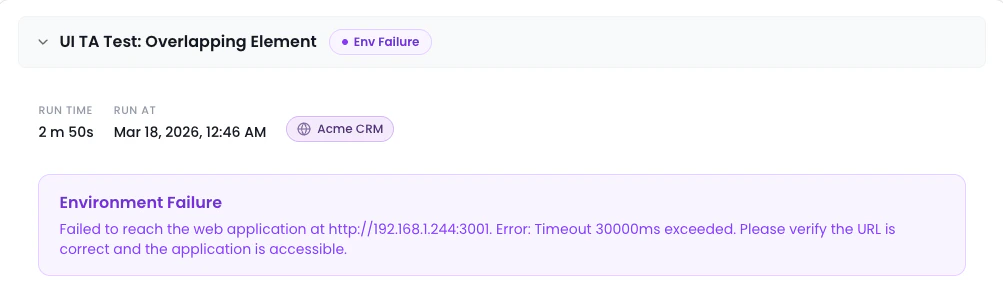

▶️ Active Runs
After clicking the Terminal button, a log bar slides up at the bottom. It shows the live output of the workflow.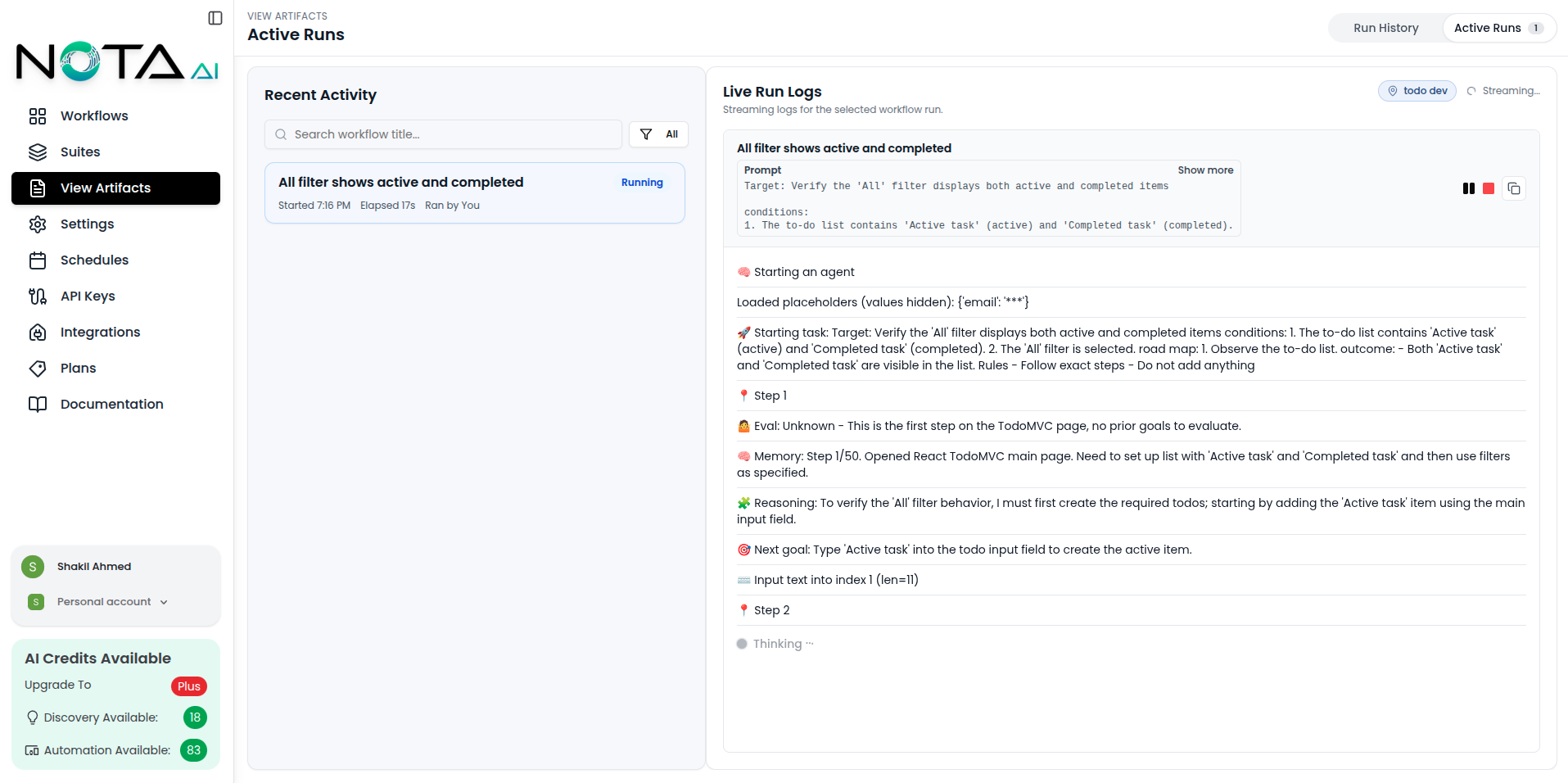
✅ What You Can Do
- 🔄 See real-time logs as the workflow runs.
- ⬇️ Auto-scrolls to show the latest log line.
- ❌ Close the log bar anytime without stopping the workflow.
- ⏯️ Pause/Play logs using the Pause and Play buttons to temporarily stop or resume log updates.
- 🛑 Stop agent with the Stop button to halt the agent’s execution immediately.
✅ Use the log bar to stay informed, debug faster, and download logs for later review.
🌍 Environment Badge
The active run panel displays an Environment Badge in the header, showing which environment the workflow is running against.- A globe icon with the environment name
- A unique color dynamically generated from the environment name
- Clickable — when the environment has a URL configured, clicking the badge opens the live environment in a new tab