
Meet the New Chat Workspace
New Chat is the fastest way to start an AI-assisted testing session. Pick an agent, describe what you need, and Nota generates workflows, tests, or analysis.Craft Agent
Craft Agent (powered by Craftflow) for creating and running automation
workflows with a live browser preview.
Coverage Agent
Generates tests and workflows from PRDs and Figma designs, including
automatic gap analysis.
Getting Started
- Click New Chat in the sidebar.
- Choose Craft or Coverage.
- Add your URL, PRD, or Figma link.
- Tell Nota what you want.
Interface Overview
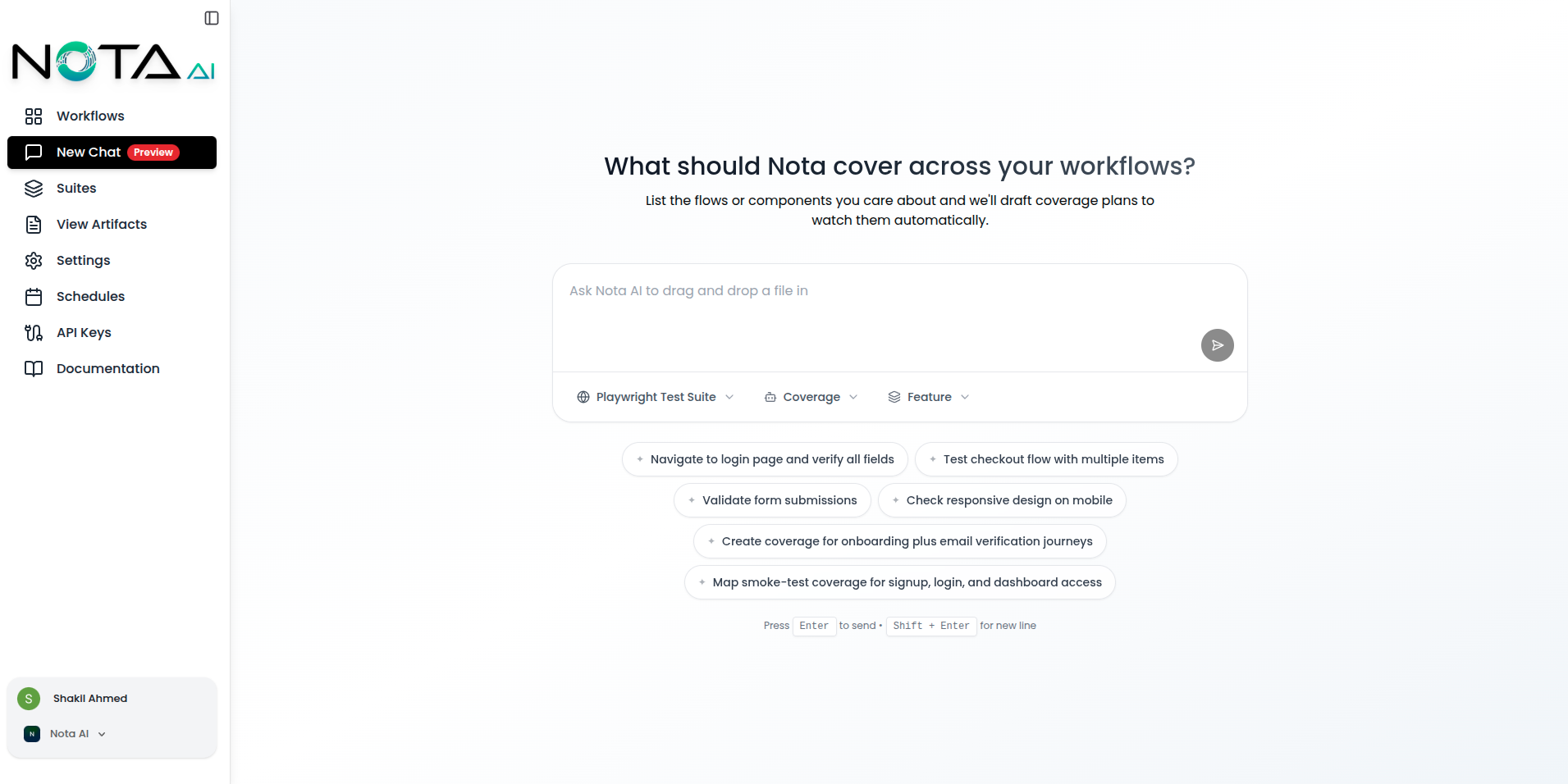
Which Agent to Use?
Quick Examples
Walkthrough
Crafting builds the flow → Coverage turns it into tests.
UI Regression
Coverage reads Figma and drafts regression tests.
Spec Check
Coverage compares PRD + Figma to find gaps.
What’s Next?
- Explore Craft Agent
- Explore Coverage Agent
- See Craftflow live builder