
Set Up Your Account
Welcome to Nota AI! Now that you’ve subscribed via app.trynota.ai, it’s time to set up your first test environment and create a workflow.1. Create Your Testing Environment
Before running any workflow, you need to define an environment—this is where your workflows will execute.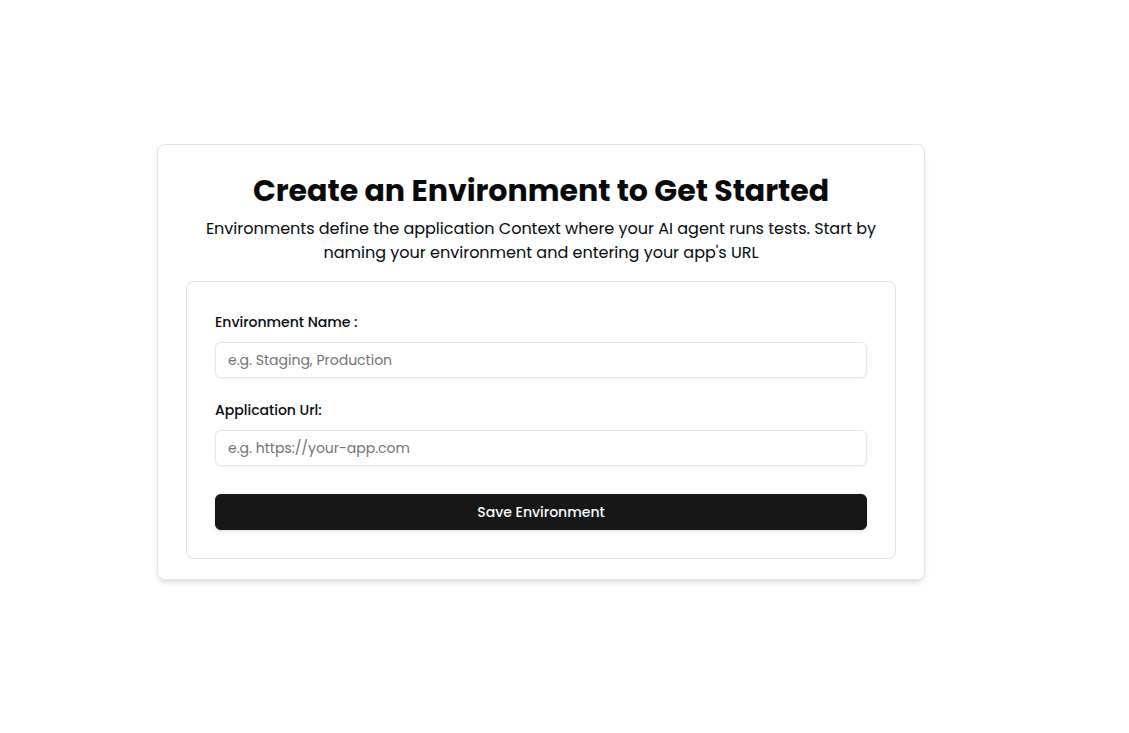
💡 You can create multiple environments for staging, production, or custom test setups.Once the environment is set up:
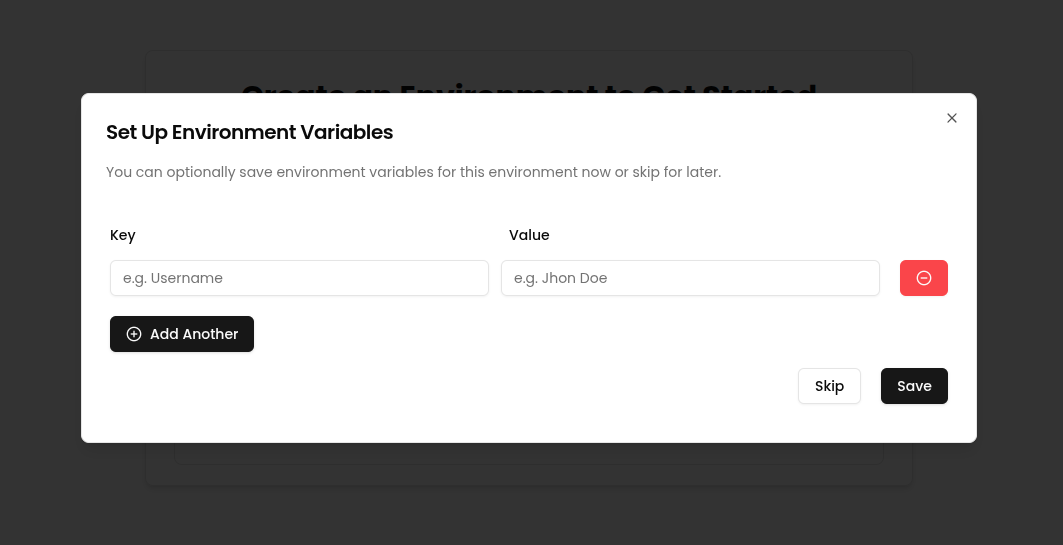
- You can create placeholders immediately — these are key-value pairs used to inject dynamic values (like file names, tokens, URLs, etc.) into your workflow prompts.
- Or, you can skip placeholder setup for now and add them later from the Settings → Files or Settings → Placeholders page.
2. Create Your First Workflow
A workflow defines the sequence of test steps Nota AI will perform—representing a real user flow.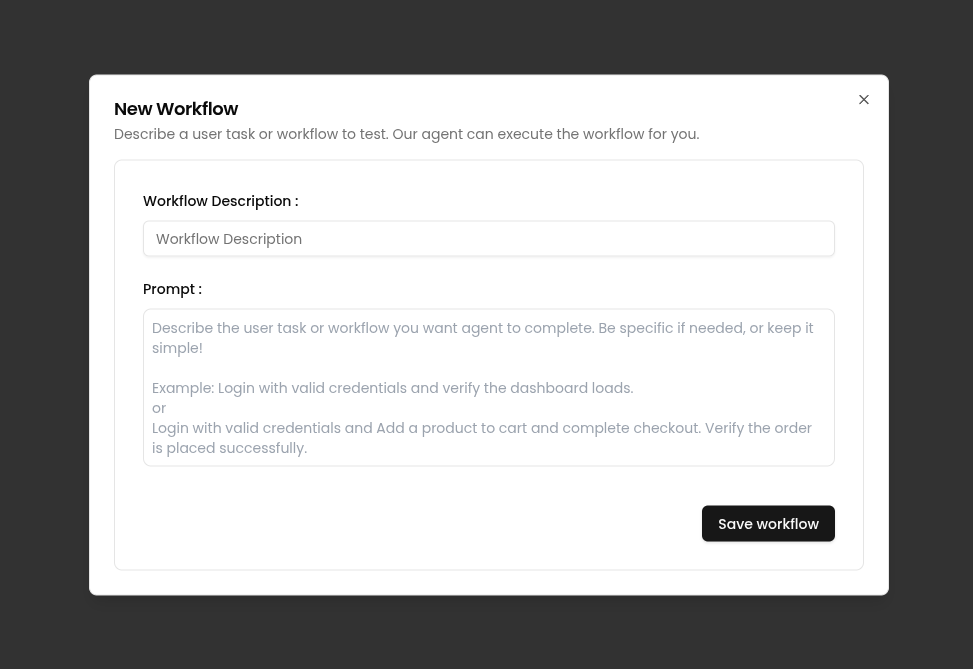
✨ Workflows can be generated from URLs, scenarios, or even plain-language descriptions.
With your environment and first workflow ready, you’re all set to harness the full power of Nota AI! 🚀