

📁 Files
The Files section lets you upload assets—PDFs, spreadsheets, images, JSON fixtures—that your workflows need while running.Store them once, reference them in prompts, and let the Nota agent handle uploads automatically.
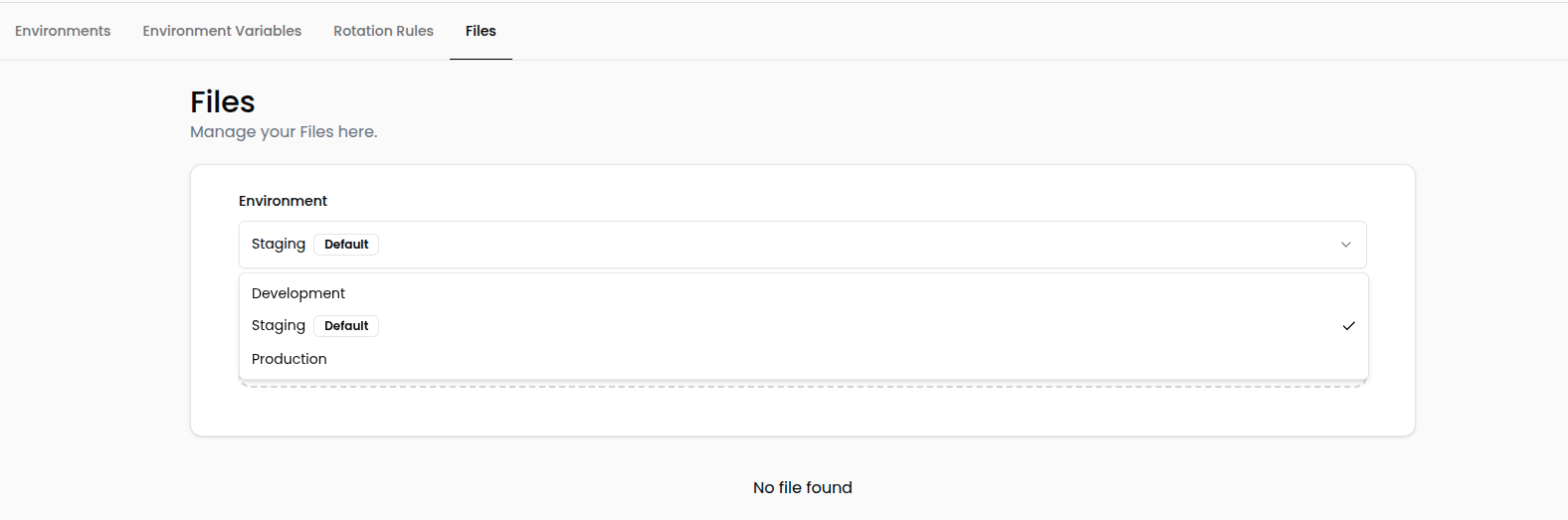
Environment-Aware Storage
Each environment maintains its own file library, so you can tailor uploads to the data your staging vs. production tests require.- Development – Local or internal testing assets.
- Staging – Pre-release simulations.
- Production – Live automation scenarios.
⚠️ Uploads in one environment do not spill into others. Keep names consistent if you want the same file across multiple environments.
Upload Files
- Navigate to Settings → Files.
- Select the Environment you want to manage.
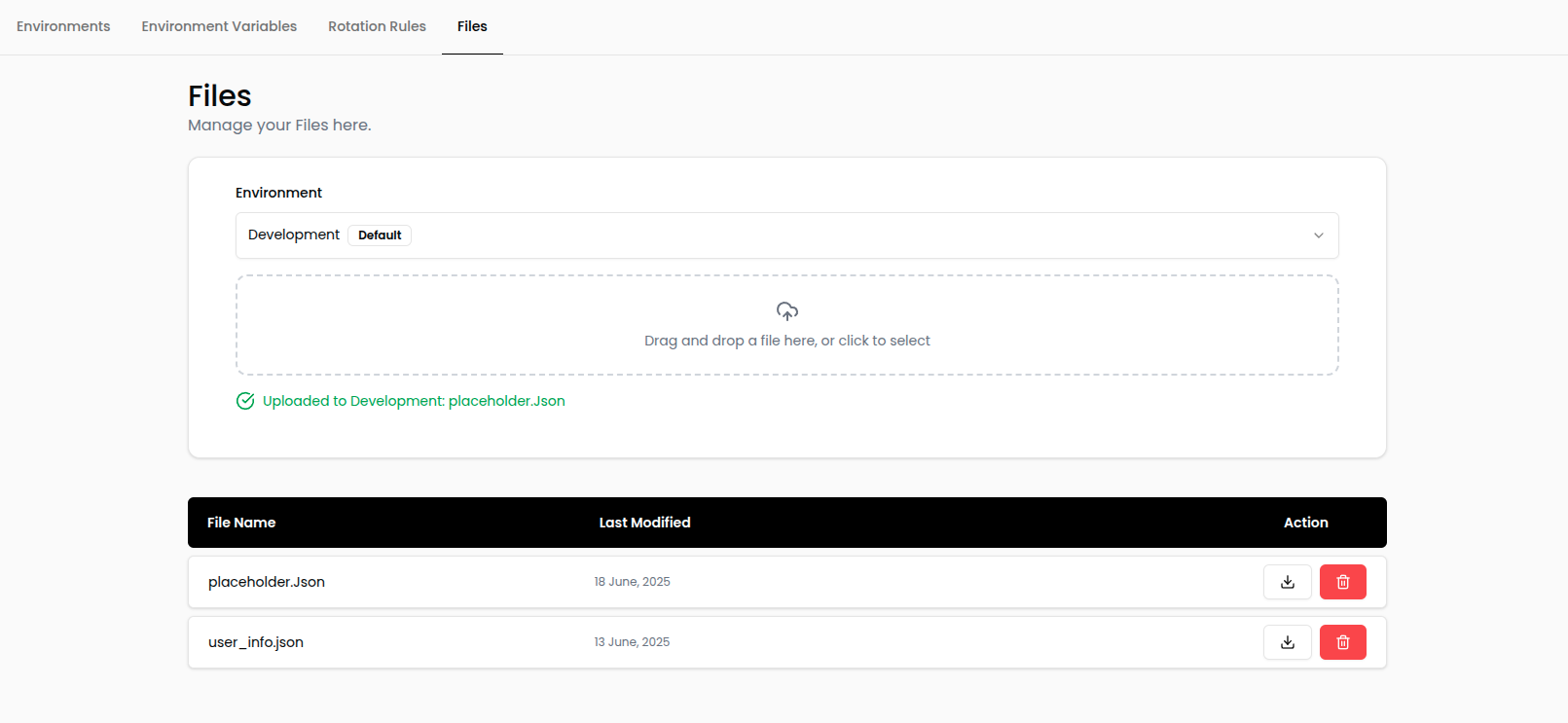
- Upload one or more files using the interface.
- Reference the exact filename in your workflow prompt so the agent knows what to attach.
Example Scenario
Testing an upload form—like Formy’s file upload demo—is simple:- Upload
placeholder.jsonto the right environment in Settings → Files. - Add a step to your workflow prompt:
Benefits
- No bundling required: Keep large fixtures out of your workflow definitions.
- Consistent across runs: Every execution pulls the same file unless you replace it.
- Supports multiple environments: Tailor assets per environment without renaming files.